
The Ultimate Guide to What UI/UX Design Is in 2026
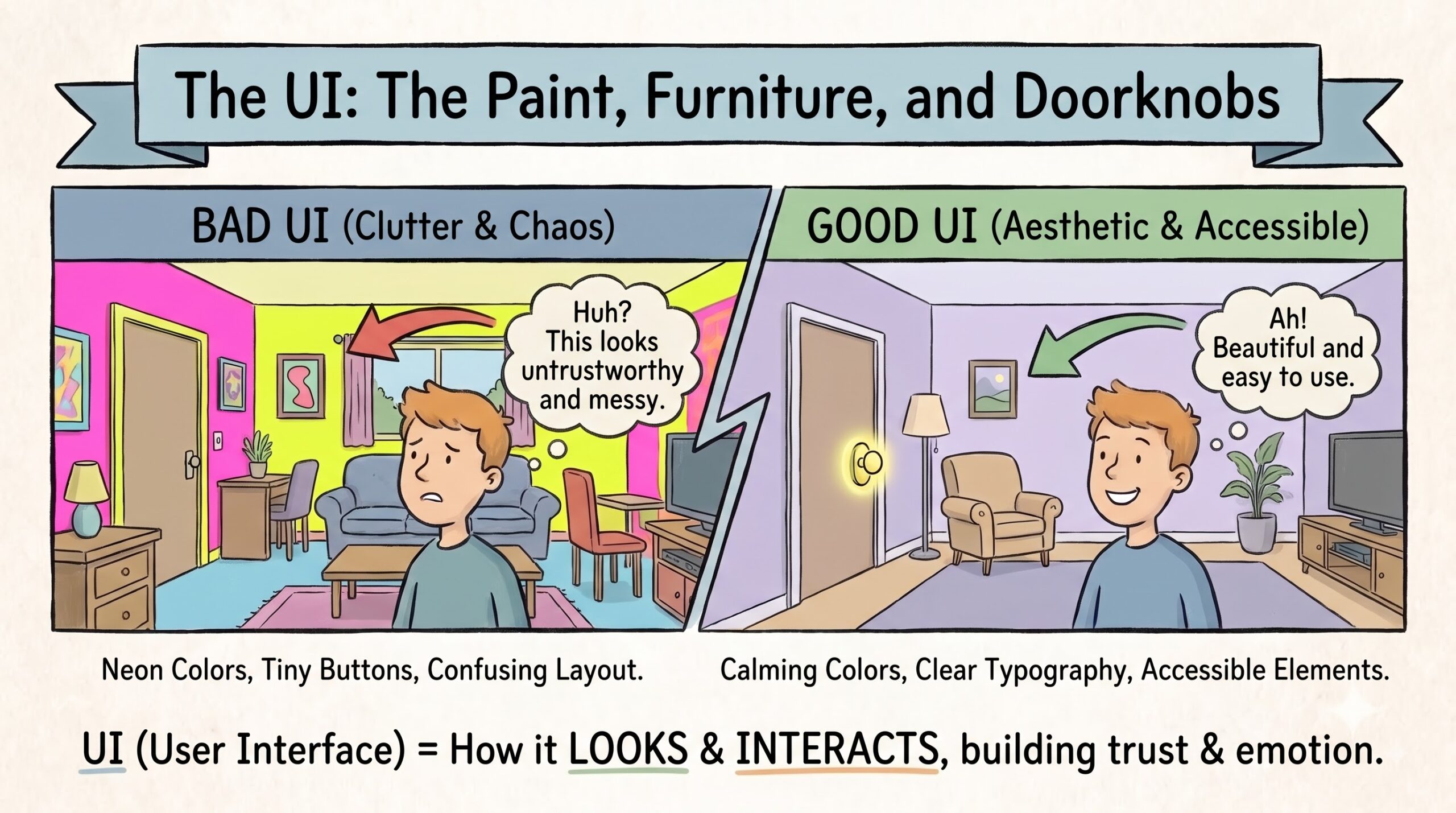
Welcome to The Ultimate Guide to What UI/UX Design Is in 2026. Ever tried to pay for parking at a modern digital kiosk, only to end up yelling at a screen while a line of angry drivers forms behind you? That’s bad design. Good UI/UX design, on the other hand, feels like absolute magic. You tap a button, your coffee is paid for, and you’re out the door.
If you’re trying to figure out exactly what is UI/UX design, you’re probably noticing the massive gap between apps that feel like a breeze to use and apps that make you want to throw your phone into oncoming traffic. I get it. The tech industry throws these acronyms around constantly, but rarely stops to explain them in plain English. Let's break down exactly what this means, minus the confusing jargon.
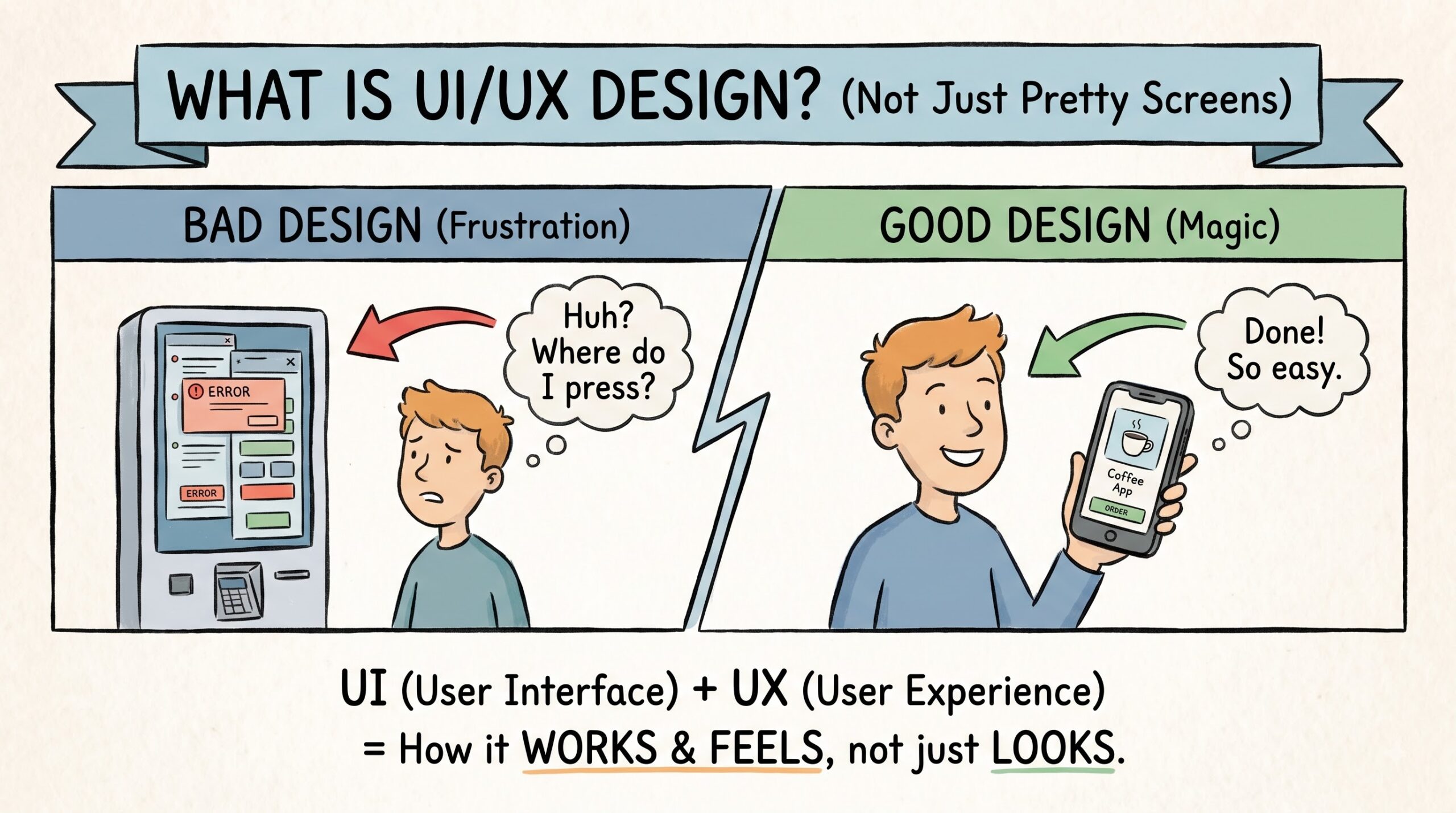
What is UI/UX Design? The UX: The Invisible Plumbing of Your App
UX stands for User Experience. Think of it as the foundation, framing, and plumbing of a house. You can install gorgeous marble countertops and imported Italian tile, but if the toilet doesn't flush and the stairs lead straight into a wall, you’re going to have a bad time.
User experience design is entirely about how things work. It’s the process of figuring out what you need, how you think, and removing every ounce of friction between point A and point B. When I design a checkout flow for an e-commerce app, I’m not picking colors. I’m mapping out the exact number of taps it takes you to buy a pair of sneakers. If you have to click through five screens just to enter your shipping address, the UX is broken.
A good UI/UX designer relies heavily on user research, creating user personas, and sketching out wireframes before anyone even thinks about pixel perfection. It’s empathetic problem-solving. We study human behavior to ensure the product actually makes sense to the person using it.
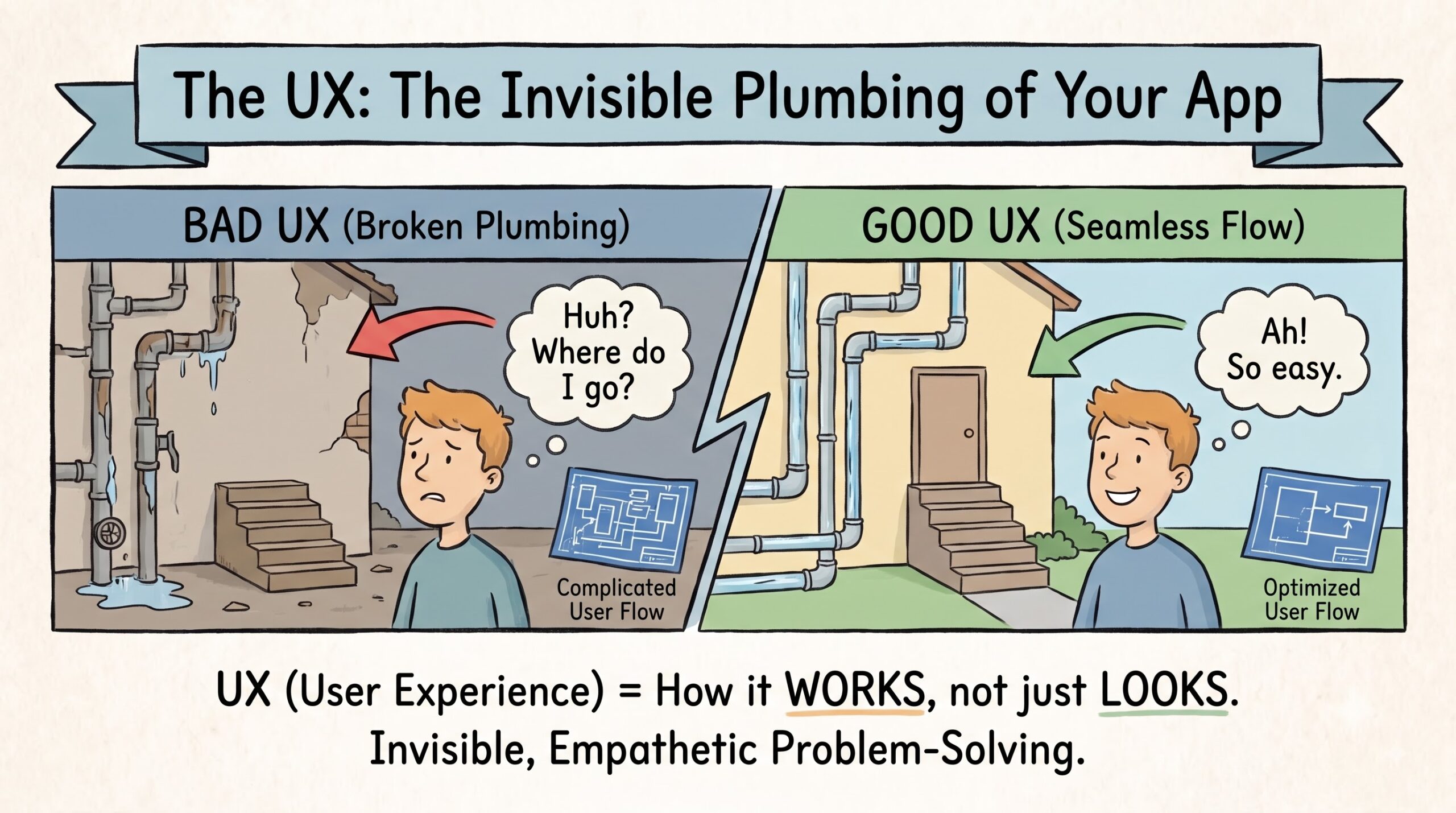
What is UI/UX Design? The UI: The Paint, Furniture, and Doorknobs
Now, UI—User Interface—is the paint, the furniture, the lighting, and the doorknobs. It’s everything you can actually see and interact with on the screen. Buttons, sliders, typography, color palettes, and micro-animations all fall under this category. If UX is the skeleton, UI is the skin.
Let’s say you’re building a meditation app. The UX tells us the structural flow: open app, pick a mood, press play. The UI dictates the visual design: a soft lavender background, a rounded sans-serif font that doesn’t strain your eyes, and a glowing, pulsing play button that feels calming to tap.
If the visual part of your UI/UX design is bad, you won't trust the app. Imagine a banking app painted in neon pink and yellow with Comic Sans font. You’d instantly pull your money out, right? That’s because the user interface design communicates trust, emotion, and brand identity, even if you don’t consciously realize it. Good UI also means accessibility. If a button is too small for your thumb to hit comfortably on a mobile screen, the visual design has failed the user.
What is UI/UX Design? UI vs UX: Why You Can't Have One Without the Other
People constantly search for UI vs UX, trying to pin down the exact difference between the two. Here’s the easiest way I can explain it.
Imagine a beautiful glass door at a coffee shop. It looks stunning. The handle is polished brass, and the typography on the "Pull" sign is elegant. That’s great UI. But the door actually needs to be pushed. So you stand there yanking on a glass door looking like an idiot while your coffee gets cold. That’s terrible UX.
You simply cannot separate them. When someone asks me what is UI/UX design, I always tell them it’s a dual-discipline. UI attracts you, but UX keeps you around. If you have a brilliant app with an ugly interface, nobody will download it. If you have a gorgeous app that crashes every time you hit "save," nobody will keep it. Both elements have to work together to create digital products that people actually want to use daily.
Think about the old hamburger menu trend. Hiding a website's navigation behind a tiny three-line icon looked incredibly clean (UI win). But users couldn't find the links they needed, and conversions plummeted (UX fail). The two disciplines constantly have to check each other.
What is UI/UX Design? The Process in the Wild
So, how does the UI/UX design process actually happen in the real world? It isn't just sketching pretty pictures on an iPad. It usually starts with deep investigation.
I’ll talk to potential users, send out surveys, and figure out their pain points. Once we know the problem, we move into wireframing. Think of wireframes as the blueprint of a house—just grey boxes and lines showing where things go. Then comes prototyping. We build a clickable version of the app using tools like Figma, without writing a single line of code.
We test this prototype on real people. I cannot tell you how many times I’ve watched a user struggle to find a button I thought was incredibly obvious. That’s the whole point of testing. If they get stuck, we go back and fix the architecture. Only after the flow is rock-solid do we apply the visual design—the colors, the shadows, the final polish. It’s a lot of trial, error, and endless cups of coffee.
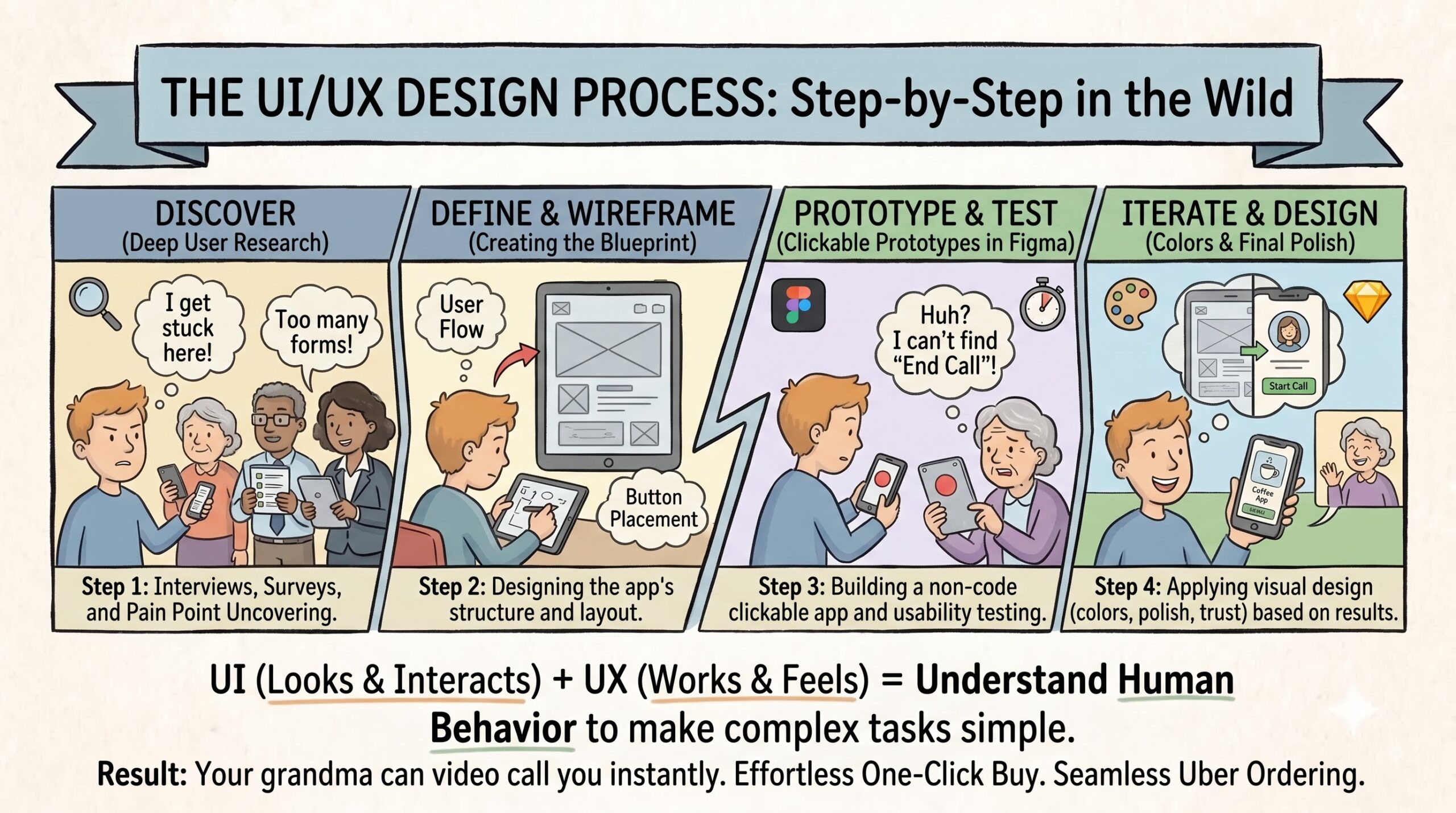
To truly answer the question of what is UI/UX design, you have to look at the results. It’s the reason you can hand your phone to your grandma and she can instantly figure out how to video call you. It’s the reason Amazon's one-click buy feels effortless.
Understanding what is UI/UX design ultimately means understanding human behavior. Next time you seamlessly order an Uber or effortlessly navigate a new website, take a second to appreciate the invisible work behind it. Great design doesn't announce itself. It just quietly makes your life a little easier.
Ready to Build a High-Converting Landing Page?
Now that you understand the core principles of UI/UX design, it's time to put them into practice. Check out our step-by-step guide on creating a landing page that actually converts.
Read: The 3-Step Effortless Landing Page Design System →